My NoteBuddy
Role
Product Designer (Research, UX, UI)
Client
Personal Project
TImeline
2 Months
Year
2024
Project Summary
NoteBuddy is a mobile app that helps students and non-native speakers understand complex text by giving them instant AI explanations on any page, so they can learn without breaking their focus.
The Challenge
I kept switching between my reading app and AI tools to understand complex text. It was distracting and broke my focus, which is a common problem for many readers.
The Solution
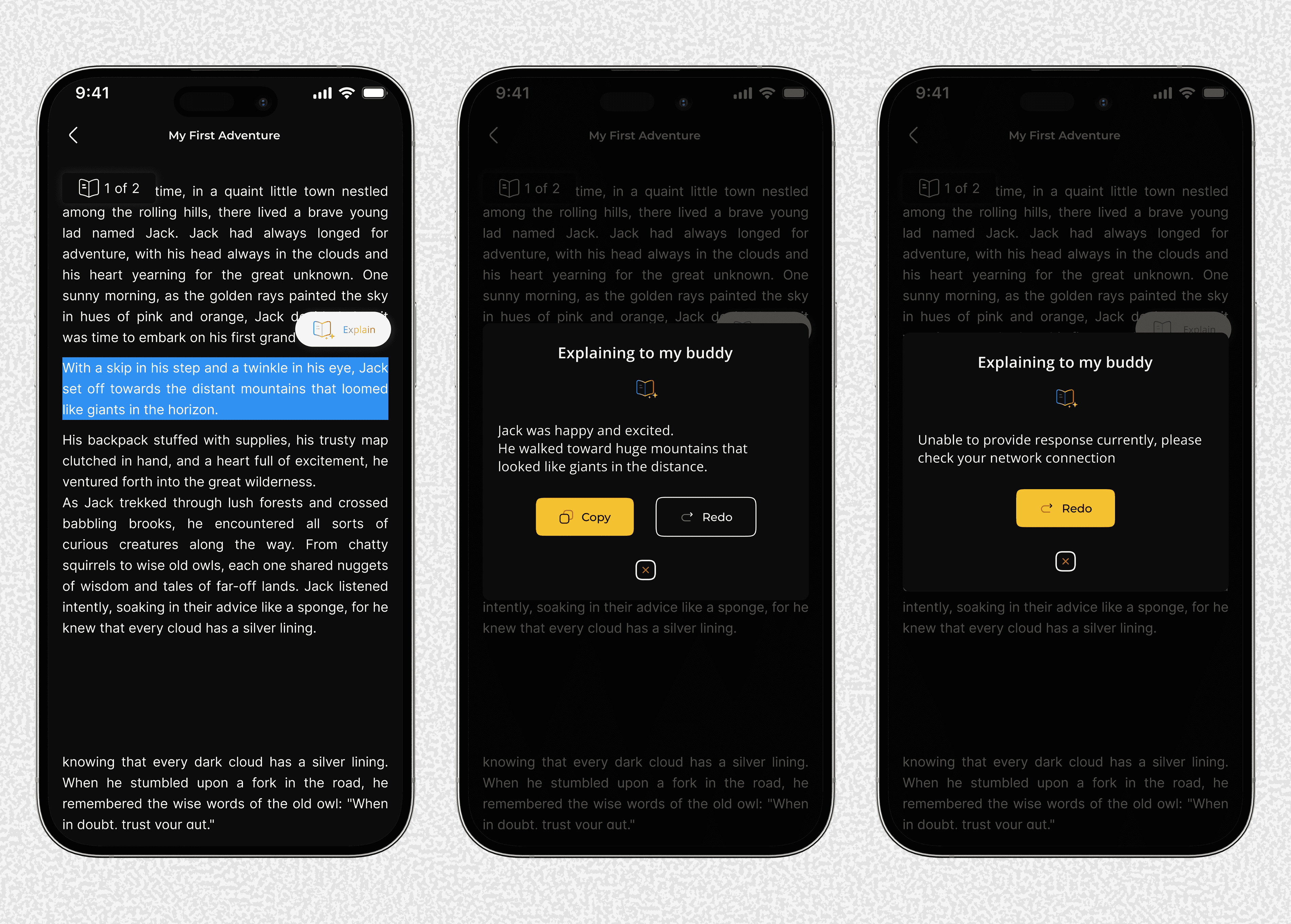
With NoteBuddy, you just highlight text. The app explains it right there on the page, so you never have to leave what you're reading.
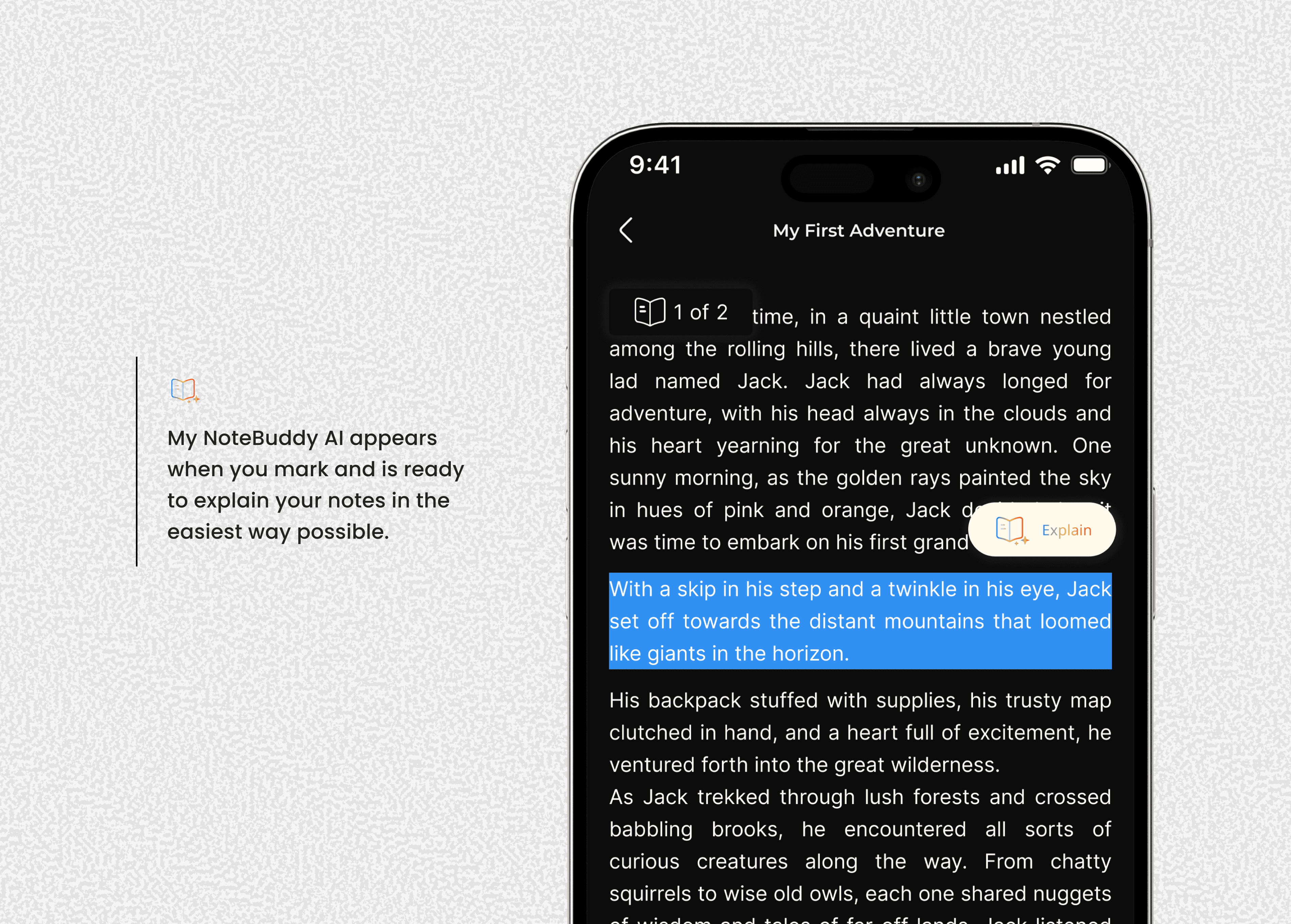
Highlight to pop up the Explain Button
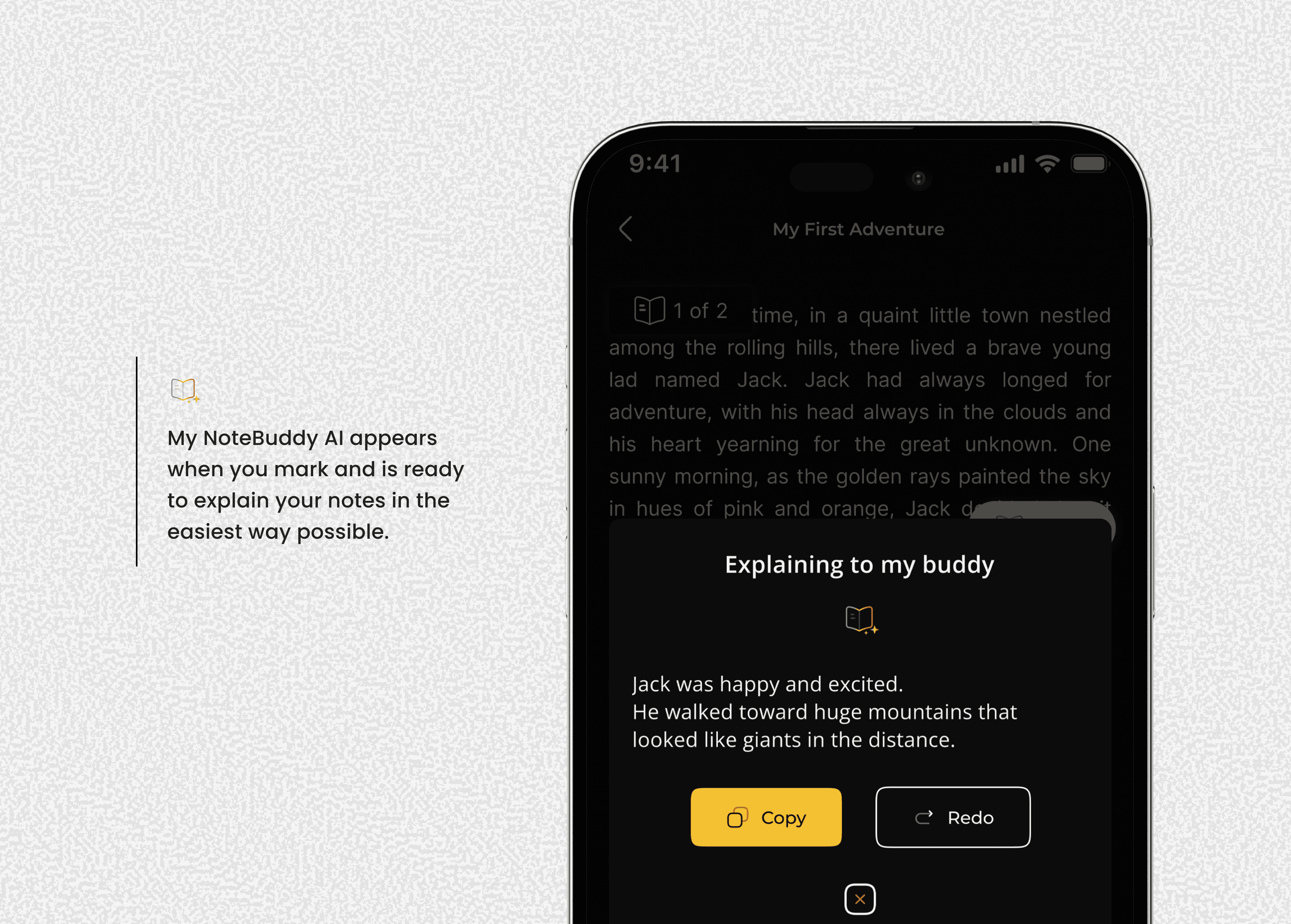
Simplified response from My Notebuddy to the reader for better understanding
Impact & Results
Complete MVP design validated through peer feedback and early testing
Eliminated workflow friction by consolidating reading and comprehension tools
Enhanced accessibility for non-native English speakers and complex academic content
Improved learning outcomes through integrated understanding and note-taking
Ready for development with full design system and user flows
Tools Used
Figma - Design, prototyping, and collaboration
Style Manager Plugin - Typography system management
Batch Styler Plugin - Efficient style updates
ChatGPT/Gemini - Concept validation and ideation support
Skills Demonstrated
Product Strategy - Identifying market needs and developing solutions
User Experience Design - Creating intuitive, focused user journeys
Visual Design - Developing cohesive brand identity and interface design
Design Systems - Building scalable, consistent design frameworks
Collaboration - Working effectively with developers and stakeholders
Research & Validation - Testing assumptions and iterating based on feedback
Process Documentation
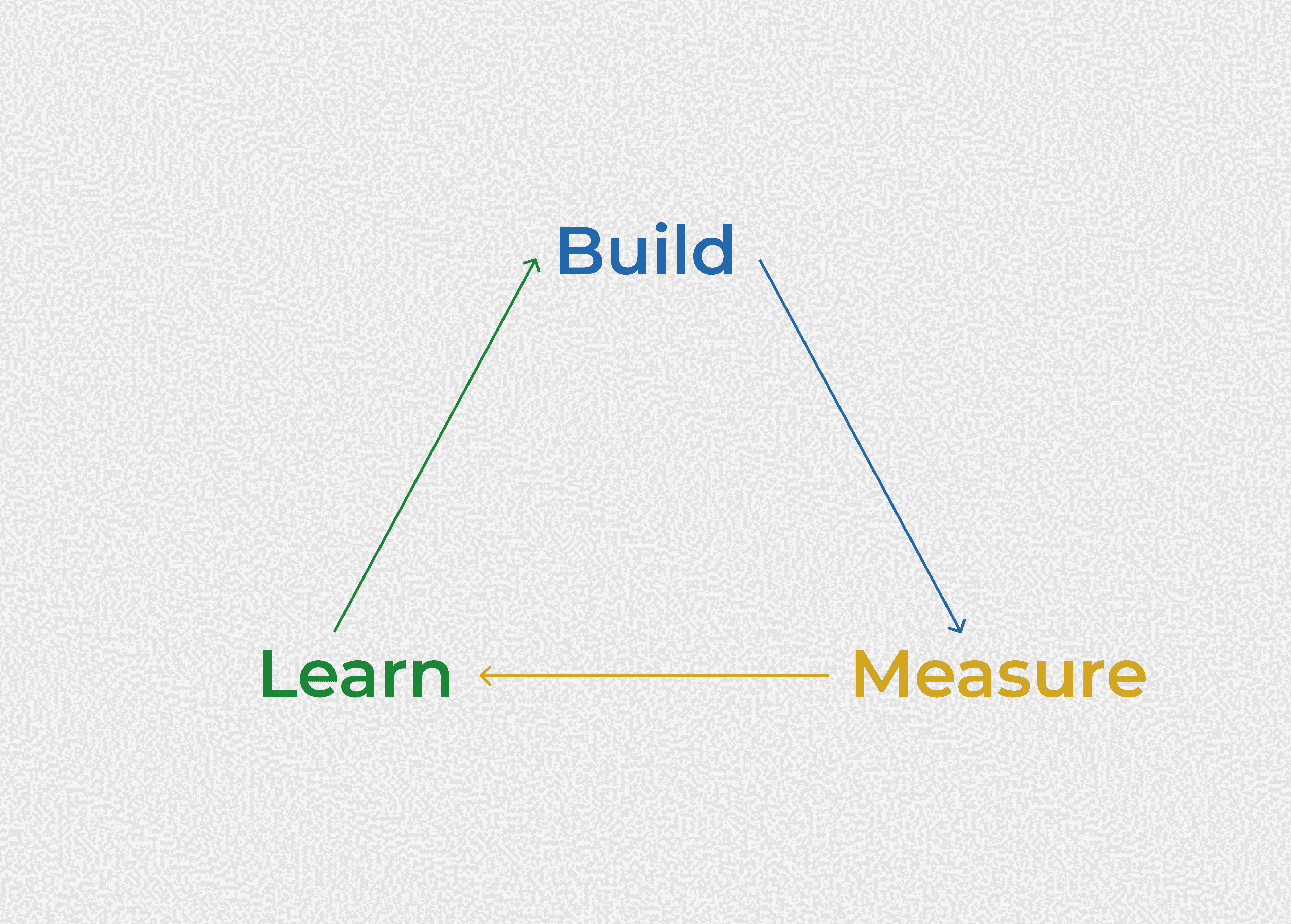
I started by validating my own frustration with switching between apps to understand text. I used the Build-Measure-Learn method to quickly test my idea and confirm it was a real problem for other students and non-native speakers too.
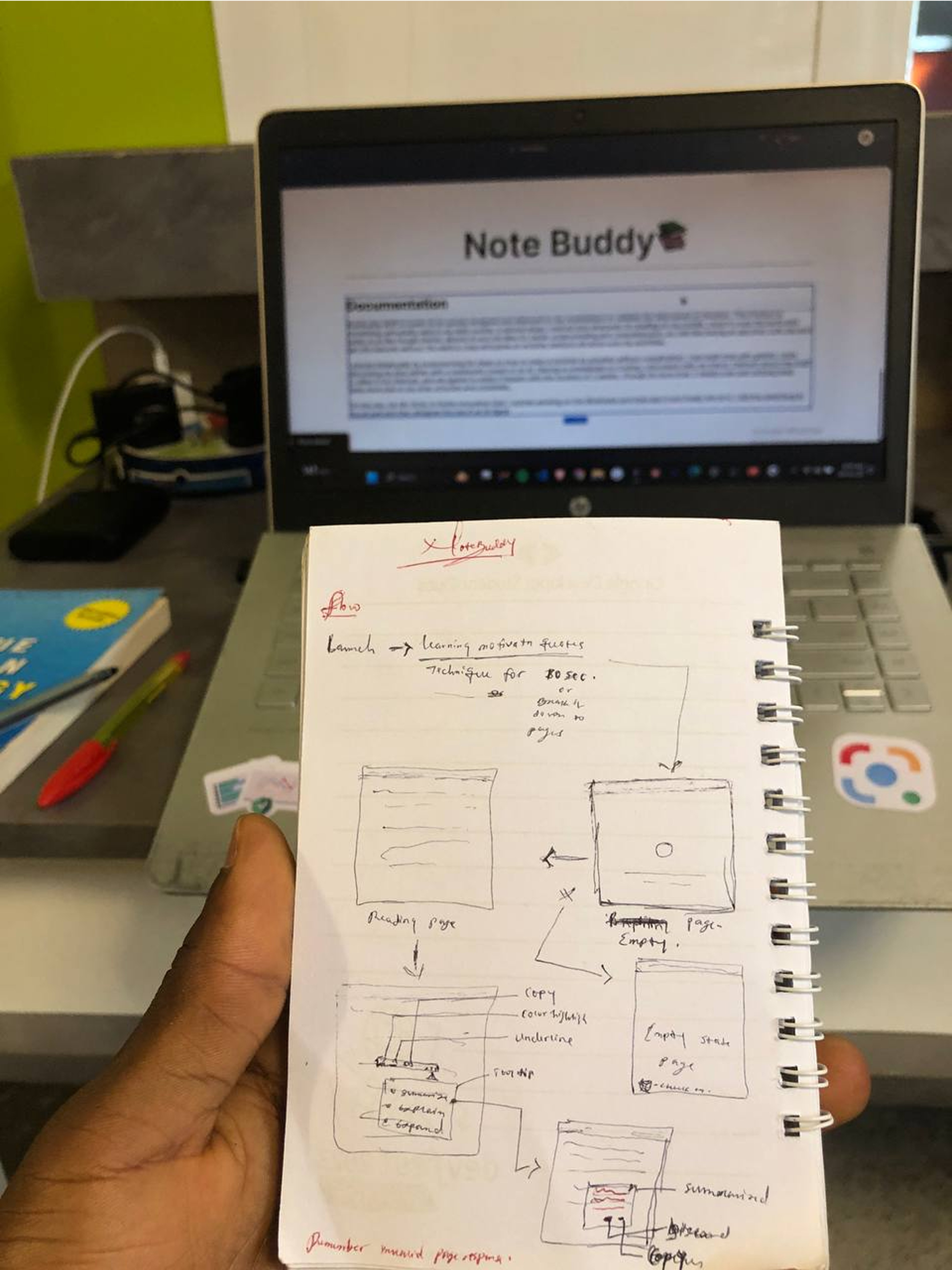
Then set a strict rule: the design must be minimal and every feature must help with reading or understanding. I used simple sketches to plan the core 'highlight and explain' feature first.
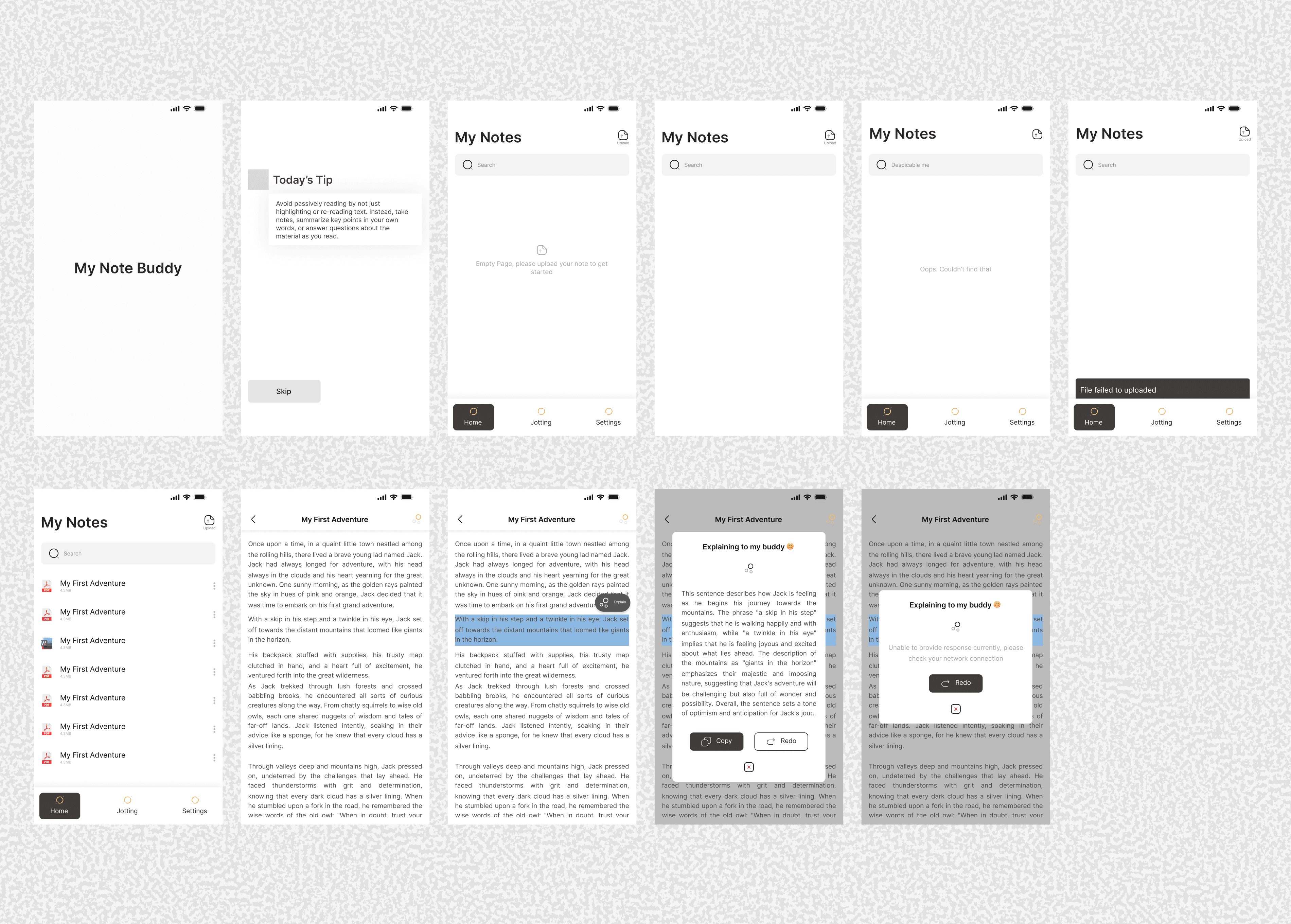
Designed the entire app in black and white first. This forced me to focus on spacing, text size, and layout before I got distracted by colors.
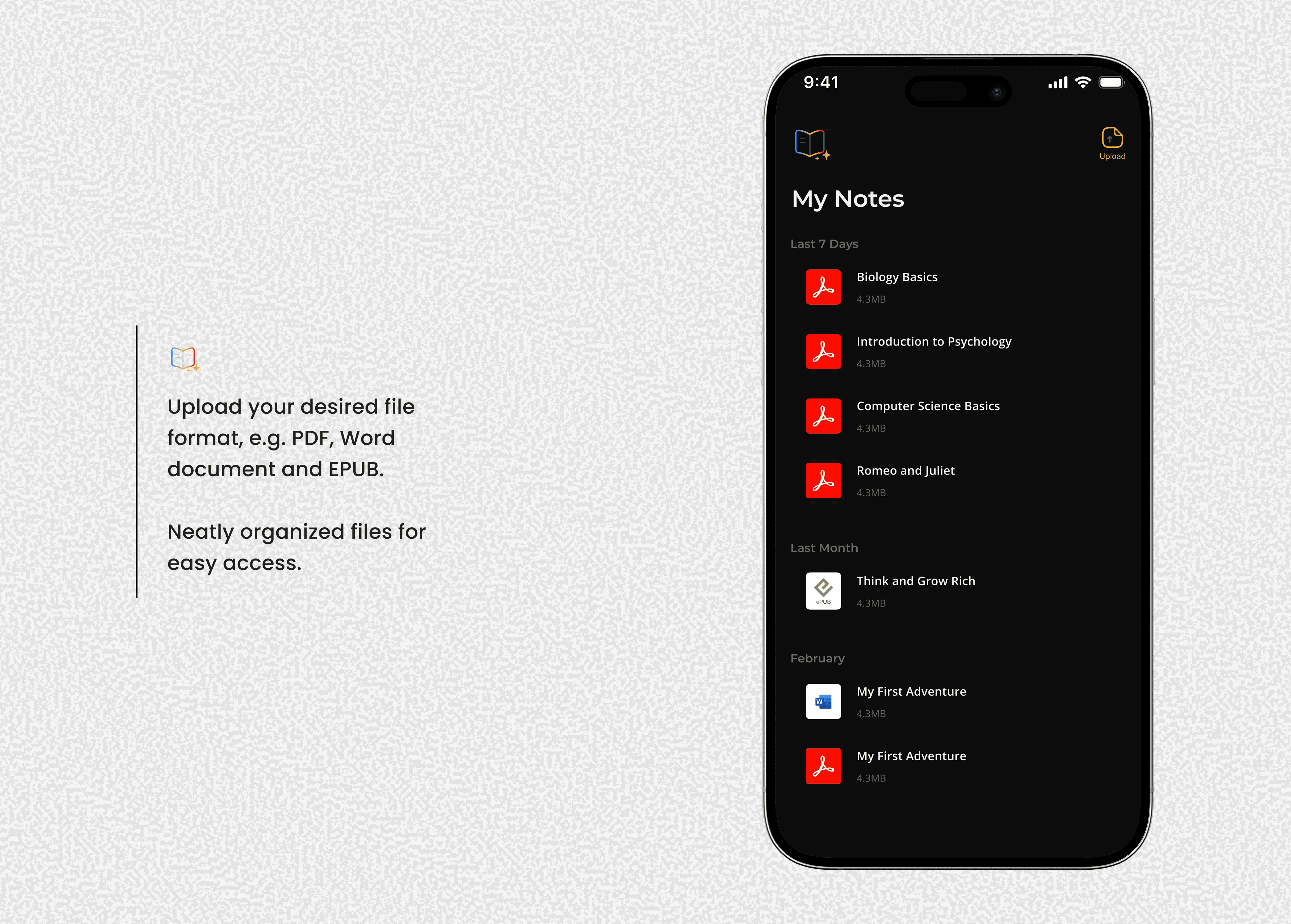
My goal is clarity above all else. The launch screen offers a quick, helpful tip that users can skip if they're in a rush. The home screen is a clean hub for your documents, focused only on what's essential to get started.
By stripping away every unnecessary feature, I make the app's purpose instantly clear and its functionality effortless to use. This simplicity is what creates a truly delightful and effective experience.
Logo Design
I started with a simple idea: a book with an AI star to show a smart reading experience. When I showed it to my friends—a developer and an engineer—they liked it but suggested something that also showed the “buddy” part of NoteBuddy.
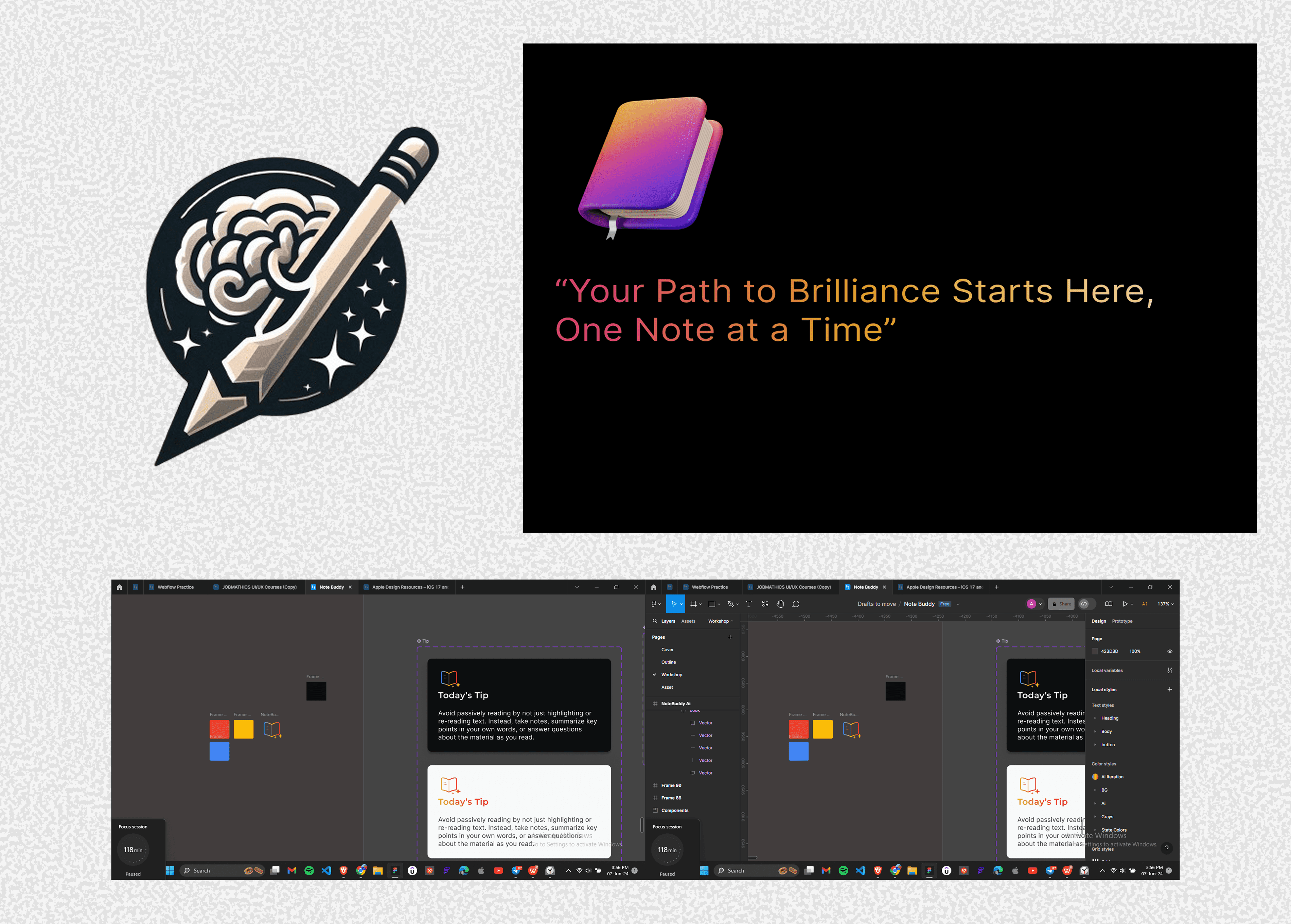
We tried using AI to generate ideas, but most were too complex and didn’t feel right. In the end, we returned to my original concept but made it stronger: a clean book icon with two friendly stars, using a warm and trustworthy color palette.
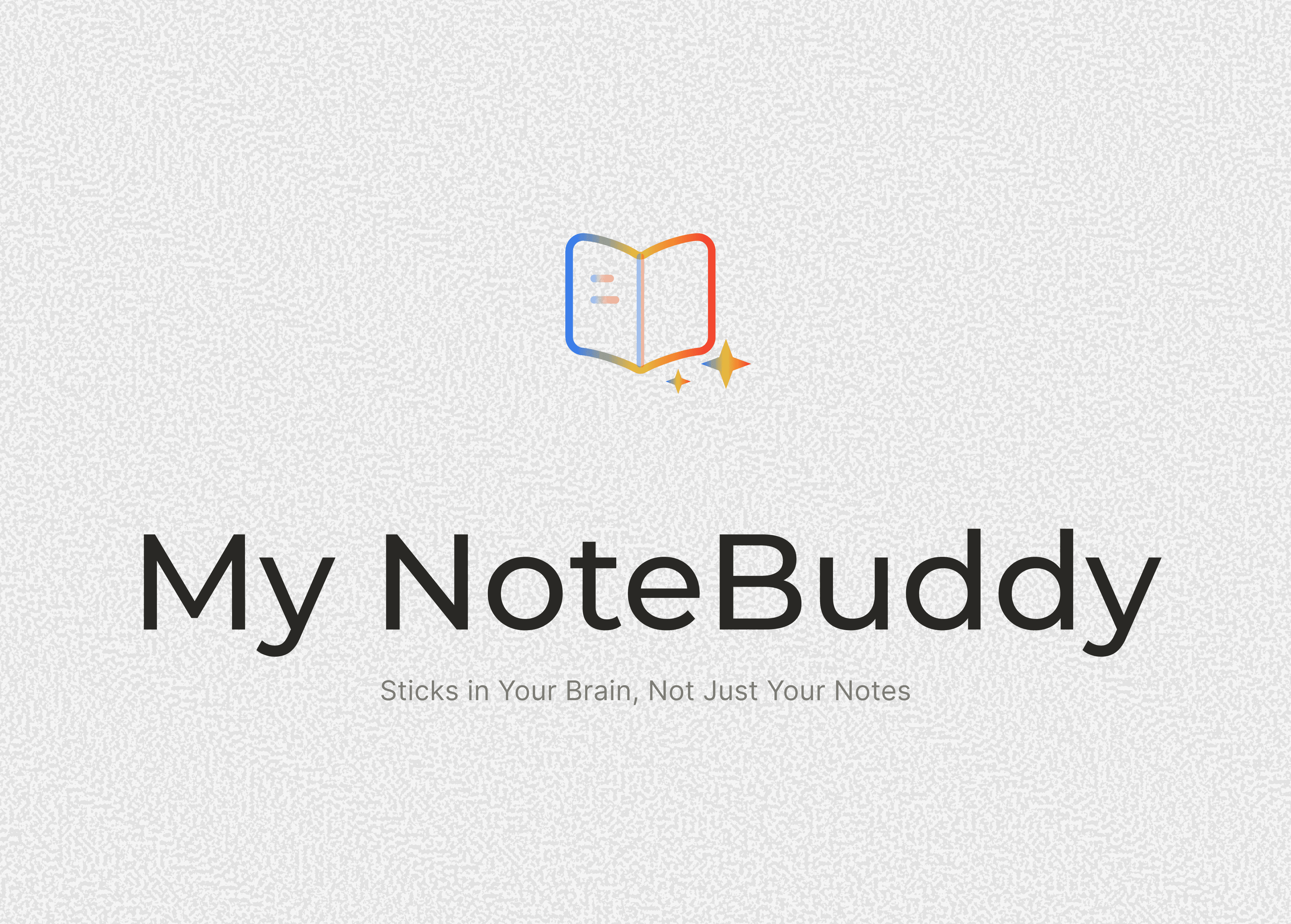
Final Logo: Symbol: Open book with two stars. Meaning: Learning (book) made delightful and enlightening (stars. Colors: Orange (energy), Yellow (joy), Blue (trust). This process taught me the value of collaboration, simplicity, and staying true to the core idea.
I applied my copywriting knowledge to pivot from feature-focused slogans to the benefit-driven "Sticks in your brain, not just your notes," which clearly communicates the product's value of improving retention and understanding.
High Fidelity Design
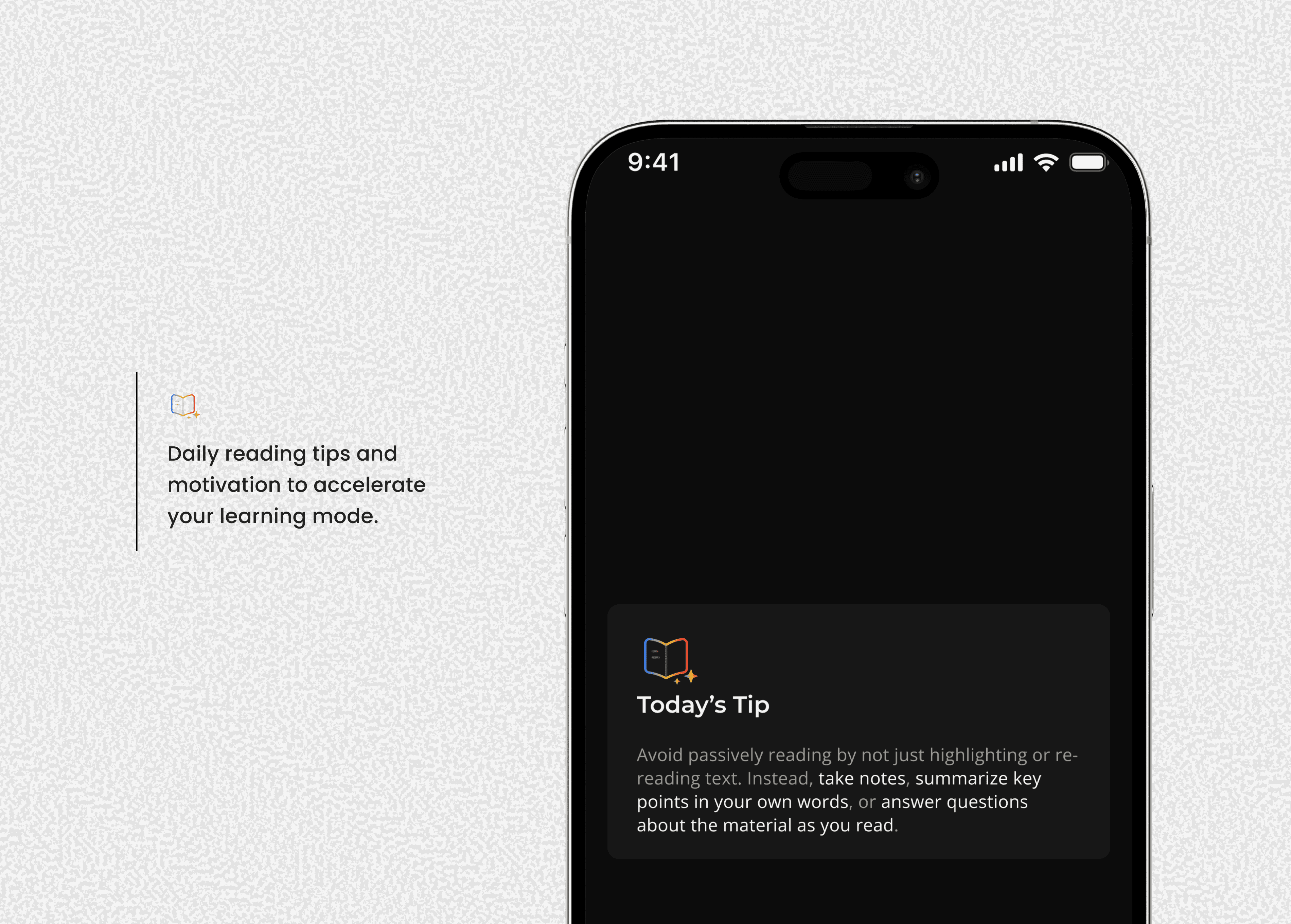
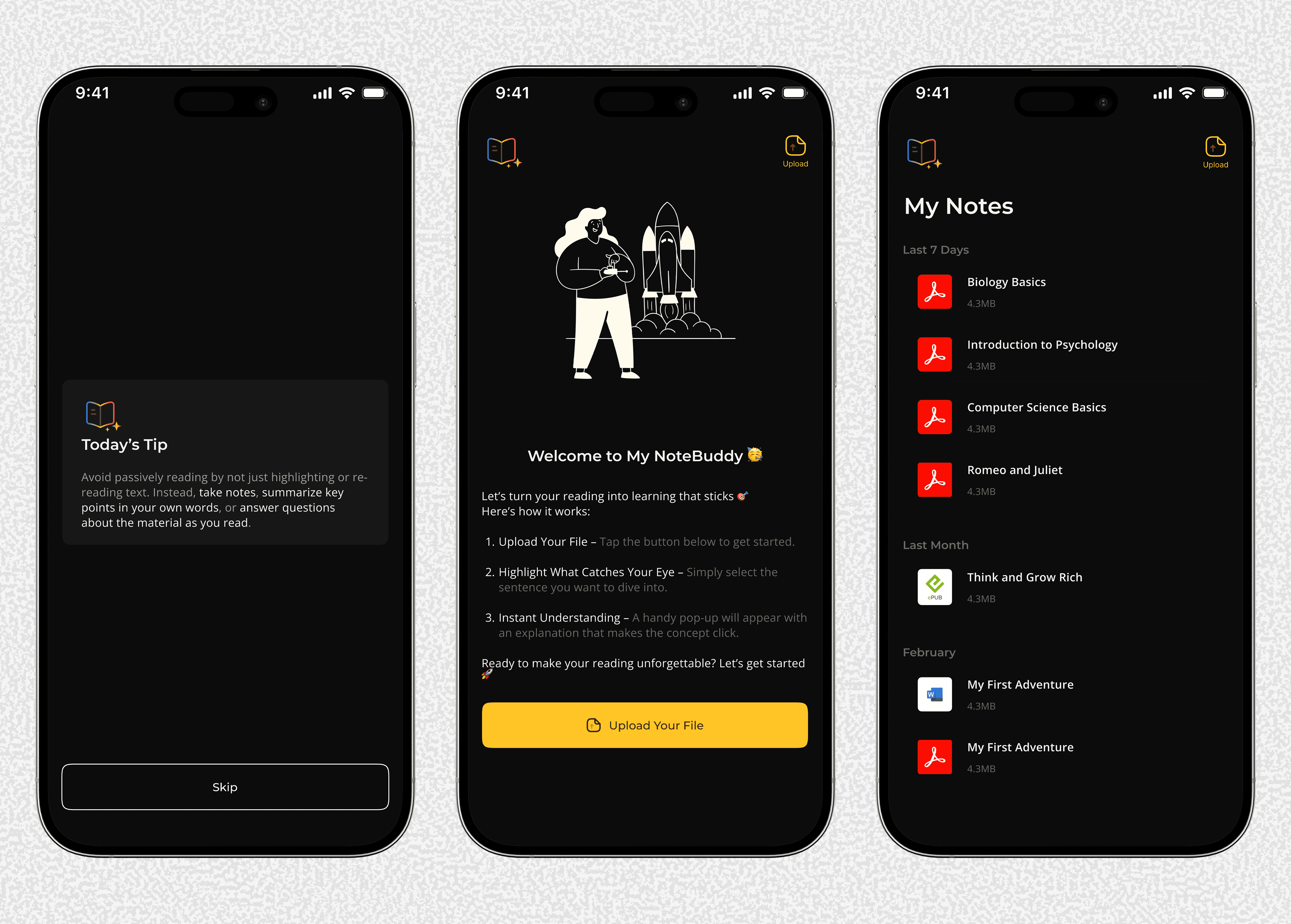
I built a clear and functional UI by first designing in grayscale to perfect the layout, then applied a purposeful color palette, creating a strong foundation that’s ready to evolve with user feedback.
What's on My Mind
I built NoteBuddy to solve a problem I know deeply: the struggle to understand complex texts as a non-native English speaker.
This app is my answer. It cuts through the frustration by explaining difficult passages simply, helping knowledge stick in your memory, not just your notes.
This is just the start. My goal is to get this initial version into the hands of students who need it, learn from their experience, and build an even better tool together.
Personal Growth & Learning
This project pushed me to grow beyond my comfort zone and significantly level up my technical skills.
Key Challenges I Overcame:
Logo Design: I pushed past my inexperience to create a meaningful brand identity from scratch.
Color Theory: I moved beyond just picking colors to understanding the psychology and technical systems behind them.
Collaboration: I learned how to effectively incorporate feedback from developers and other non-designers, making the design stronger.
New Technical Skills Mastered:
Built advanced, scalable design systems in Figma using Style Manager and Batch Styler.
Created full color systems and smooth gradients for a more professional UI.
Optimized user flows and information architecture for better clarity and usability.
My Biggest Lesson:
I discovered a powerful new methodology: starting in grayscale to nail the layout first, then applying color systematically. This approach ensured my designs were built on a solid, functional foundation.